Marcelo Paiva

2.1.1 Keyboard, as slides

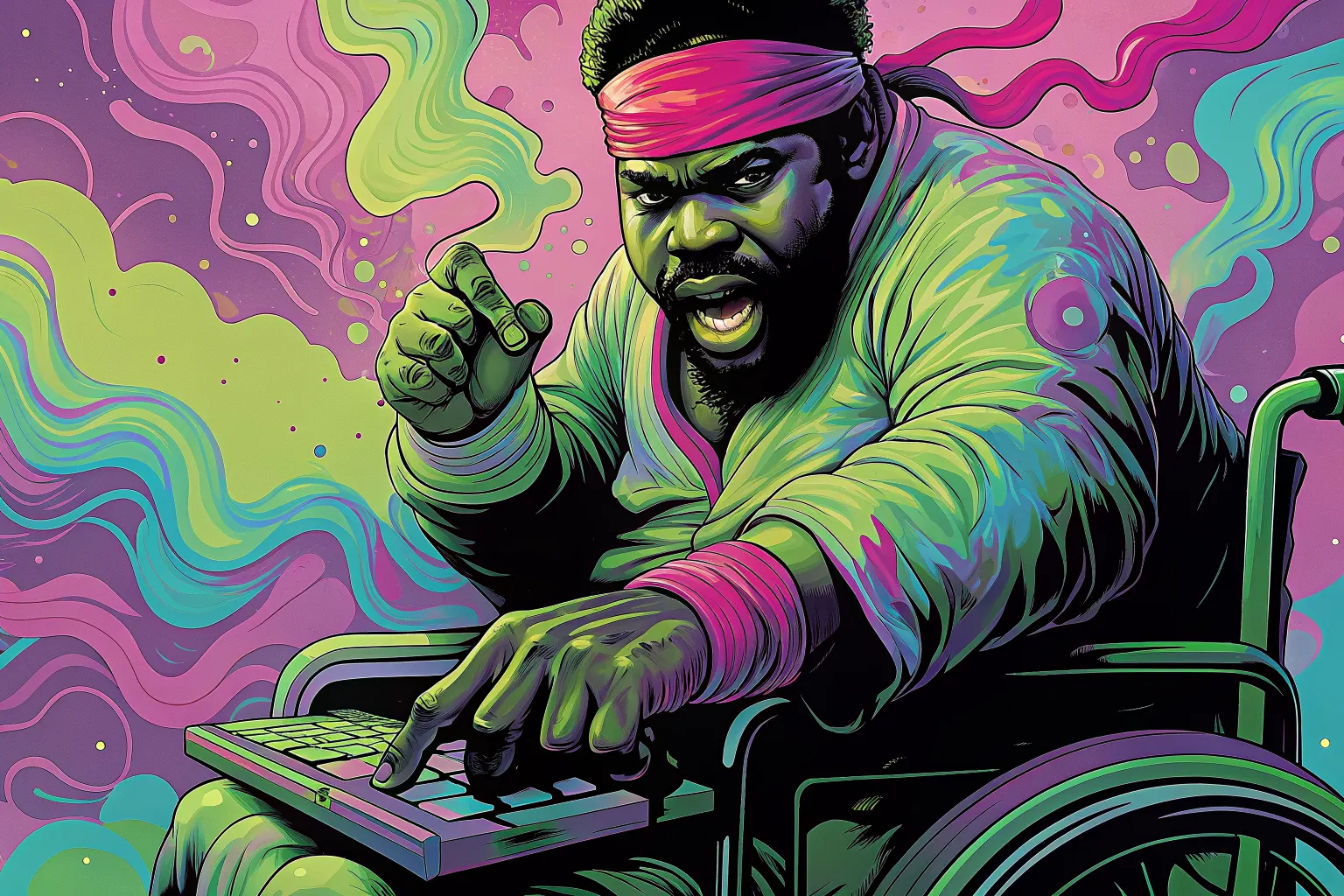
A man in a wheelchair and a martial-arts headband strikes a key on the keyboard in his lap with one finger, his other hand raised in a guard.

Success criterion 2.1.1 · Level A

Keyboard

In a user’s words

“Mouse? Who needs a mouse when you've got keyboard kung fu skills?”

Who this helps: Motor Impairments

Success criterion 2.1.1 · Level A

Keyboard

All functionality of the content is operable through a keyboard interface without requiring specific timings for individual keystrokes.

Principle 2: Operable · Guideline 2.1: Keyboard Accessible

What each role can do

Product manager
Ensure all features are accessible via keyboard navigation.
Designer
Design with keyboard shortcuts and focus indicators.
Developer
Implement robust keyboard navigation and avoid using keyboard traps.
Tester
Test extensively for keyboard-only operation across various browsers.

Once it is fixed

“You just made my keyboard the magic wand of the Internet. Hats off to you!”

Next criterion: 2.1.2 No Keyboard Trap

A success criterion, as slides

This is a slide show on a projector. One slide fills the screen, and the site’s header and footer are out of the way.

From top to bottom

  1. The slide: there are five, for the cover, the quote, the criterion, the tasks for each role, and a thank-you.
  2. Under the slide: Exit slides, Previous, which slide you are on, Next, and Full screen.
  3. A line on the keys. The left and right arrows change slide, and Home and End go to the first and last.

What you can do here

Present the criterion to a room, a slide at a time.