Marcelo Paiva

2.1.2 No Keyboard Trap, as slides

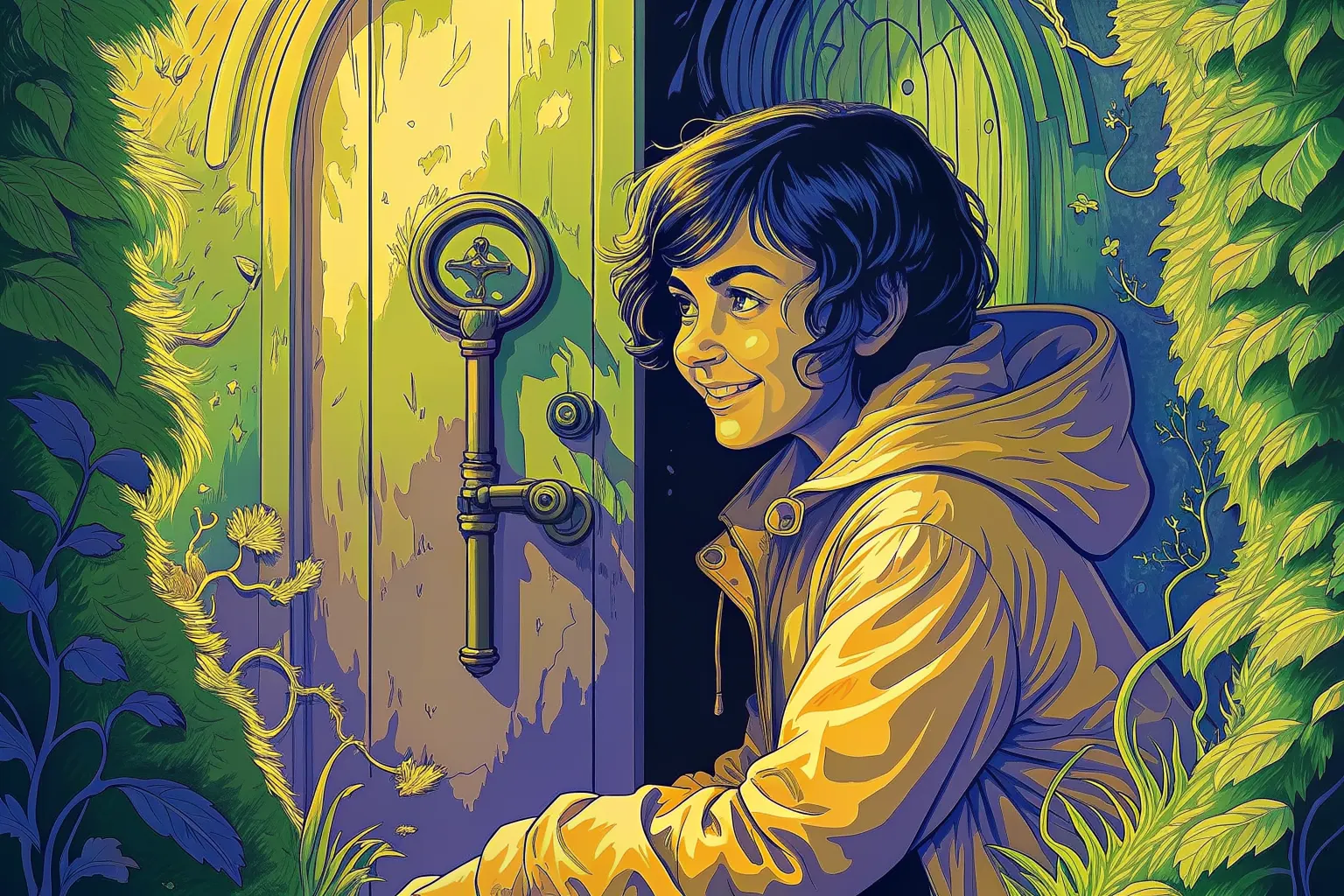
A smiling woman in a yellow raincoat crouches at a round green door in a hedge, a large brass key in its lock.

Success criterion 2.1.2 · Level A

No Keyboard Trap

In a user’s words

“It's like I was stuck in a digital maze, and you handed me the escape key!”

Who this helps: Motor Impairments

Success criterion 2.1.2 · Level A

No Keyboard Trap

Keyboard focus should never get stuck on one element; it should always be possible to move it away using only the keyboard.

Principle 2: Operable · Guideline 2.1: Keyboard Accessible

What each role can do

Product manager
Make sure keyboard users can navigate through all elements easily.
Designer
Indicate keyboard focus clearly and avoid elements that could trap keyboard navigation.
Developer
Make sure to provide ways to exit menus or modals via keyboard commands.
Tester
Run comprehensive tests to make sure there are no keyboard traps.

Once it is fixed

“Thank you for giving me back control of my keyboard. You're a real lifesaver!”

Next criterion: 2.1.3 Keyboard (No Exception)

A success criterion, as slides

This is a slide show on a projector. One slide fills the screen, and the site’s header and footer are out of the way.

From top to bottom

  1. The slide: there are five, for the cover, the quote, the criterion, the tasks for each role, and a thank-you.
  2. Under the slide: Exit slides, Previous, which slide you are on, Next, and Full screen.
  3. A line on the keys. The left and right arrows change slide, and Home and End go to the first and last.

What you can do here

Present the criterion to a room, a slide at a time.