Marcelo Paiva

2.5.5 Target Size (Enhanced), as slides

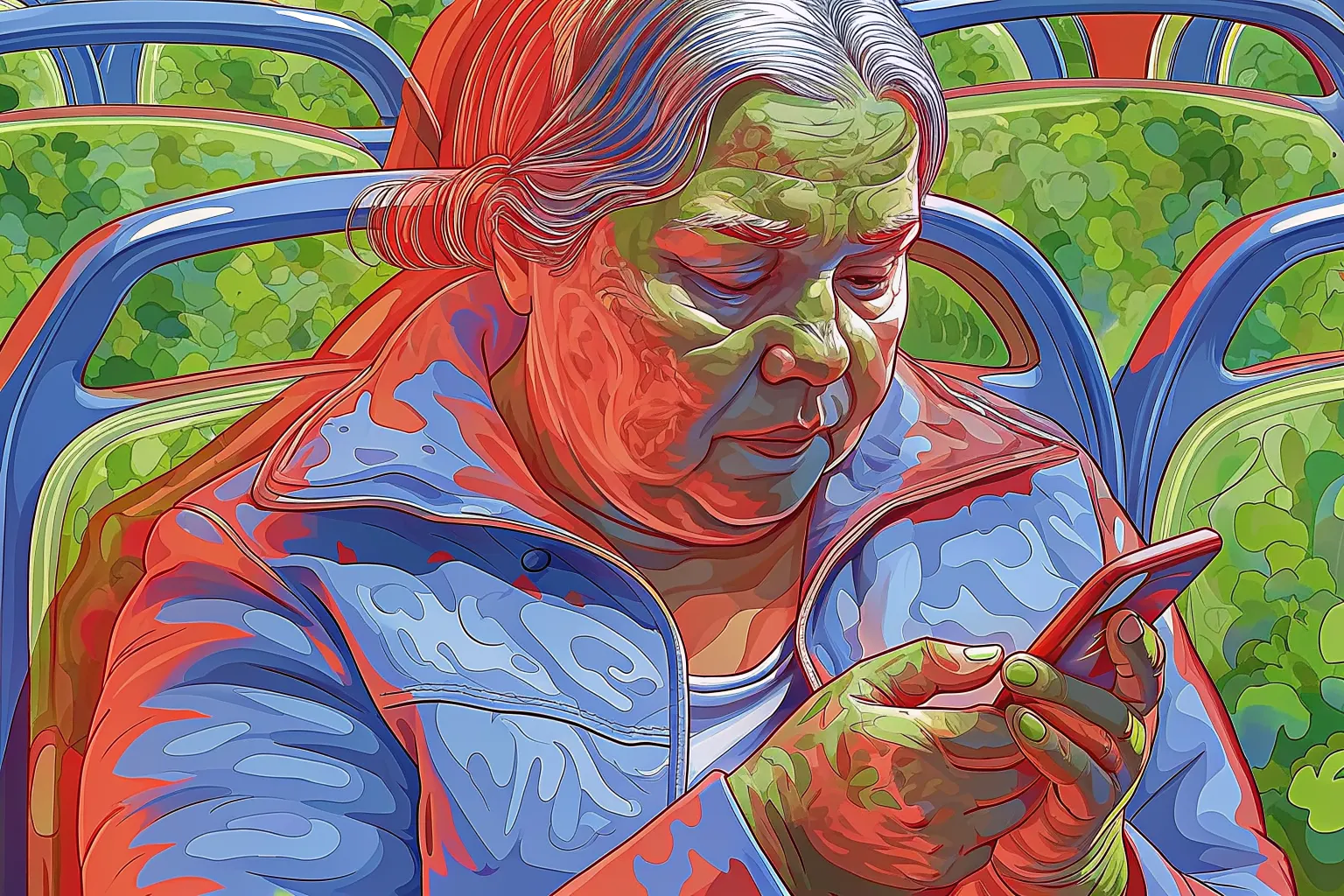
An older woman in a jacket looks down at a phone while seated between bus seats.

Success criterion 2.5.5 · Level AAA

Target Size (Enhanced)

In a user’s words

“These buttons are so tiny I need a needle, not a finger.”

Who this helps: Motor Impairments

Success criterion 2.5.5 · Level AAA

Target Size (Enhanced)

Pointer targets are at least 44 by 44 CSS pixels, with few exceptions.

Principle 2: Operable · Guideline 2.5: Input Modalities

What each role can do

Product manager
Adopt 44 by 44 px as the standard target size.
Designer
Size buttons, links and icons at 44 px or more, with generous spacing.
Developer
Set minimum width and height or padding so each hit area reaches 44 by 44 CSS pixels.
Tester
Measure target sizes on small screens and check them with touch.

Once it is fixed

“Big, friendly buttons! I hit the right one first time, every time.”

Next criterion: 2.5.6 Concurrent Input Mechanisms

A success criterion, as slides

This is a slide show on a projector. One slide fills the screen, and the site’s header and footer are out of the way.

From top to bottom

  1. The slide: there are five, for the cover, the quote, the criterion, the tasks for each role, and a thank-you.
  2. Under the slide: Exit slides, Previous, which slide you are on, Next, and Full screen.
  3. A line on the keys. The left and right arrows change slide, and Home and End go to the first and last.

What you can do here

Present the criterion to a room, a slide at a time.