Marcelo Paiva

2.2.2 Pause, Stop, Hide, as slides

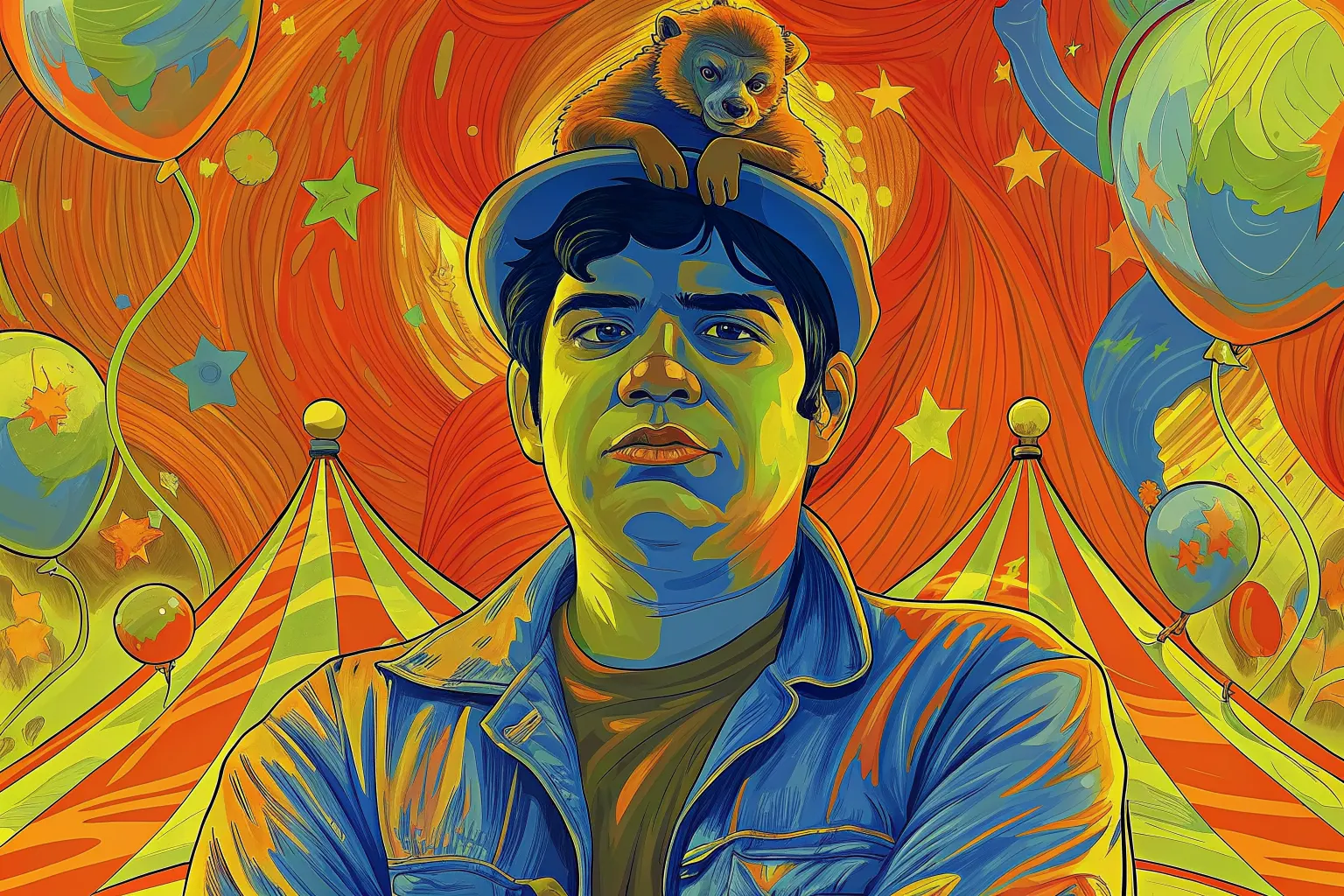
A man in a denim jacket stares flatly at the viewer, a small monkey lying on his hat, with circus tents and balloons behind him.

Success criterion 2.2.2 · Level A

Pause, Stop, Hide

In a user’s words

“I don't need dancing pop-ups and blinking ads. My life's already a circus!”

Who this helps: Seizure Disorders

Success criterion 2.2.2 · Level A

Pause, Stop, Hide

Users can pause, stop, or hide moving, blinking, scrolling, or auto-updating information.

Principle 2: Operable · Guideline 2.2: Enough Time

What each role can do

Product manager
Evaluate the necessity of moving or auto-updating elements and prioritize user control.
Designer
Include clear and accessible controls for pausing, stopping, or hiding moving content.
Developer
Implement straightforward controls for stopping animations and auto-updating elements.
Tester
Ensure that all moving or auto-updating elements can be controlled by the user.

Once it is fixed

“Now that you've tamed the circus, I can focus on what matters. You're my ringmaster!”

Next criterion: 2.2.3 No Timing

A success criterion, as slides

This is a slide show on a projector. One slide fills the screen, and the site’s header and footer are out of the way.

From top to bottom

  1. The slide: there are five, for the cover, the quote, the criterion, the tasks for each role, and a thank-you.
  2. Under the slide: Exit slides, Previous, which slide you are on, Next, and Full screen.
  3. A line on the keys. The left and right arrows change slide, and Home and End go to the first and last.

What you can do here

Present the criterion to a room, a slide at a time.