Marcelo Paiva

1.3.3 Sensory Characteristics, as slides

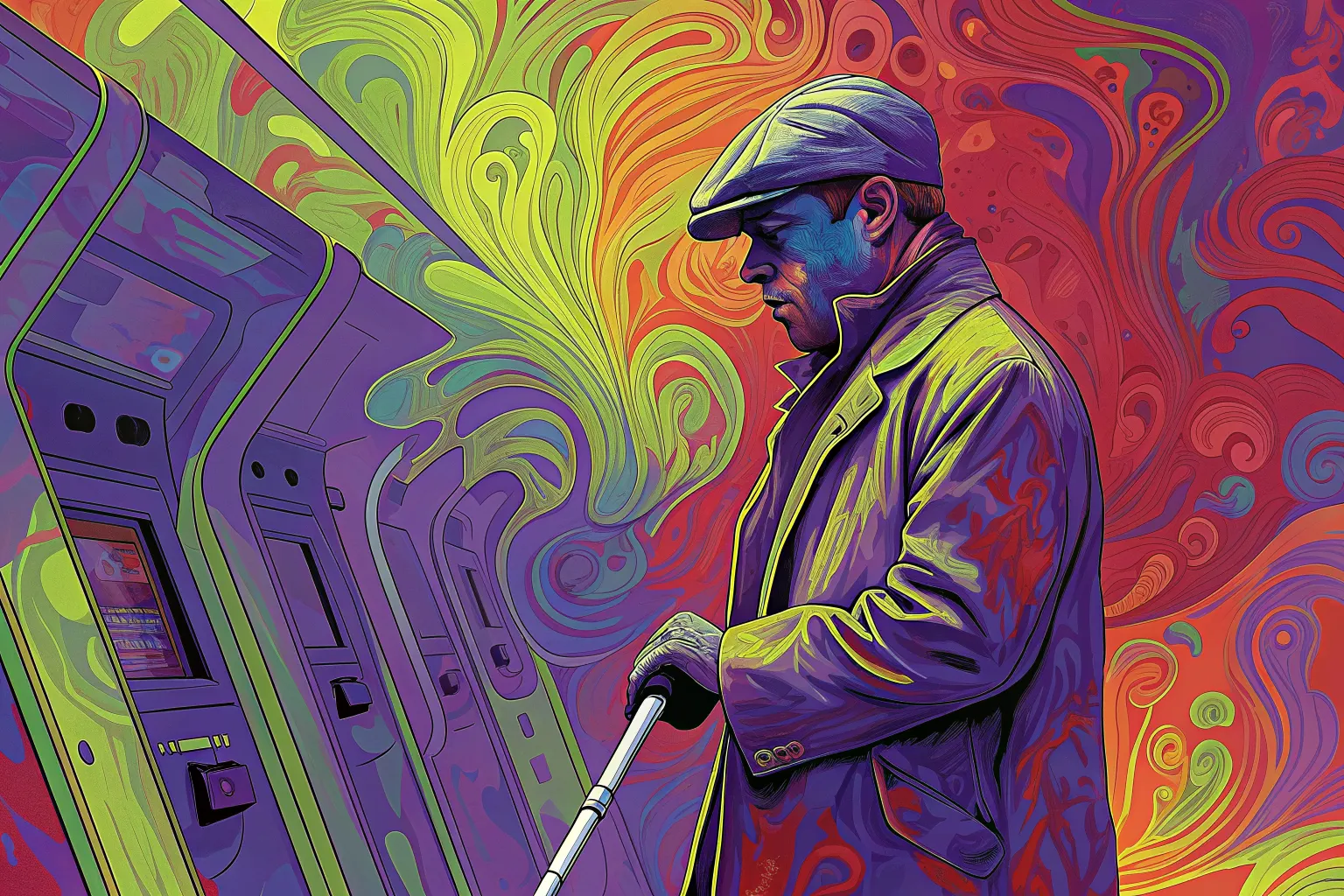
A man in a flat cap and coat holds a cane beside a row of ATM machines.

Success criterion 1.3.3 · Level A

Sensory Characteristics

In a user’s words

“So I should 'Click the round, red button.' Great, but what if I can't see 'round' or 'red'?”

Who this helps: Visual Impairment

Success criterion 1.3.3 · Level A

Sensory Characteristics

Instructions provided for understanding and operating content do not rely solely on sensory characteristics of components such as shape, size, visual location, orientation, or sound.
Principle 1: Perceivable · Guideline 1.3: Adaptable

What each role can do

Product manager
Include multiple identifiers for actionable items beyond just sensory characteristics.
Designer
Supplement sensory cues with text or auditory descriptions.
Developer
Implement textual labels alongside sensory characteristics in instructions.
Tester
Test to make sure instructions are clear even when visual or auditory cues are absent.

Once it is fixed

“Thanks for making it crystal clear! No more guessing games for me!”

Next criterion: 1.3.4 Orientation

A success criterion, as slides

This is a slide show on a projector. One slide fills the screen, and the site’s header and footer are out of the way.

From top to bottom

  1. The slide: there are five, for the cover, the quote, the criterion, the tasks for each role, and a thank-you.
  2. Under the slide: Exit slides, Previous, which slide you are on, Next, and Full screen.
  3. A line on the keys. The left and right arrows change slide, and Home and End go to the first and last.

What you can do here

Present the criterion to a room, a slide at a time.