Marcelo Paiva

1.2.1 Audio-only and Video-only (Pre-recorded), as slides

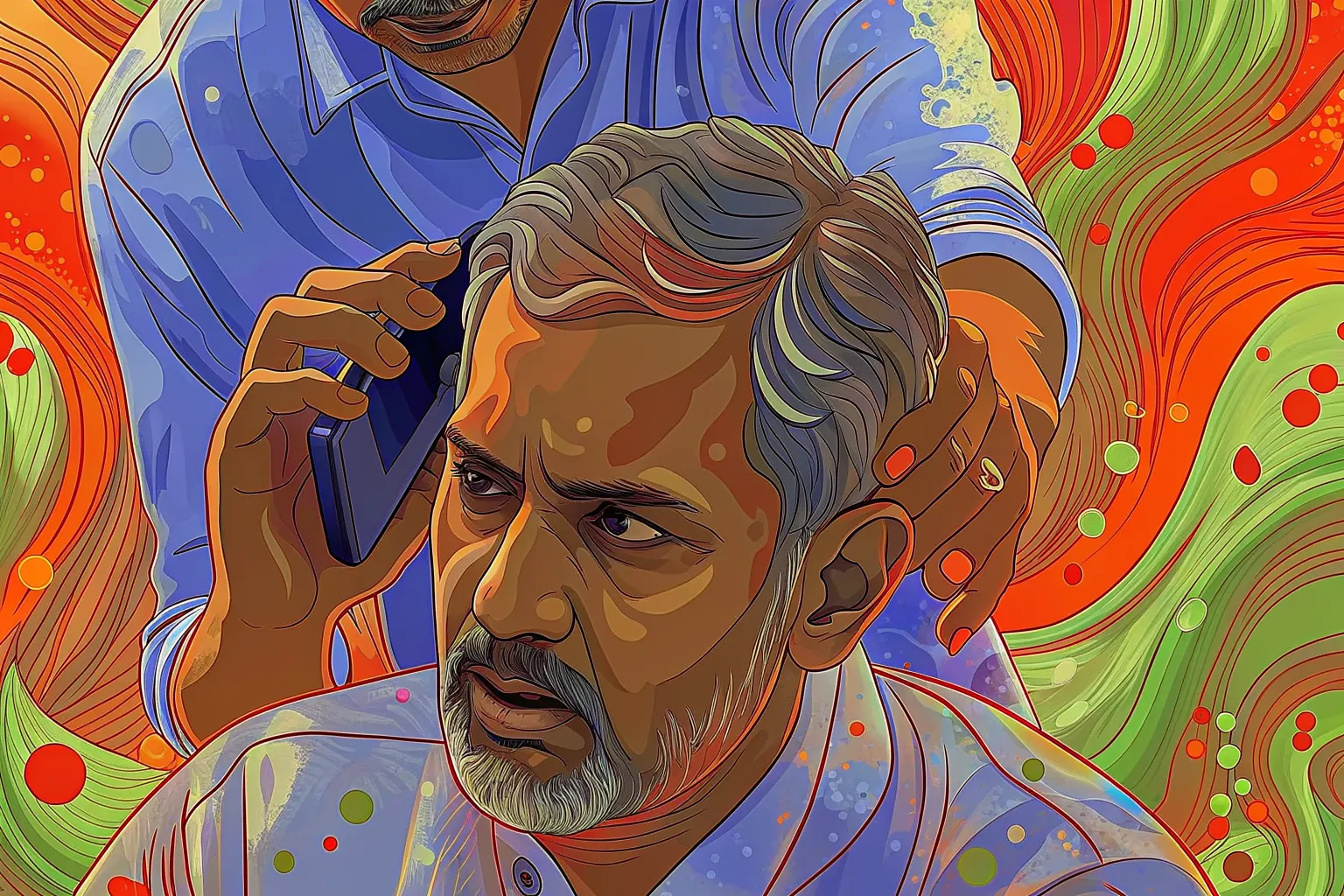
A gray haired man holds a phone to his ear while another man stands behind him.

Success criterion 1.2.1 · Level A

Audio-only and Video-only (Pre-recorded)

In a user’s words

“What's happening in the video? I can barely hear the audio!”

Who this helps: Deafness

Success criterion 1.2.1 · Level A

Audio-only and Video-only (Pre-recorded)

Provide an alternative to video or audio-only content.

Principle 1: Perceivable · Guideline 1.2: Time-based Media

What each role can do

Product manager
Allocate resources to create transcriptions for audio and captions for video content.
Designer
Design a UI that allows users to toggle captions on/off easily.
Developer
Integrate captions and transcriptions into the video and audio players.
Tester
Test the functionality of toggling captions and transcriptions across multiple devices and browsers.

Once it is fixed

“Thank you for filling in the blanks! Now I can follow along like everyone else!”

Next criterion: 1.2.2 Captions (Pre-recorded)

A success criterion, as slides

This is a slide show on a projector. One slide fills the screen, and the site’s header and footer are out of the way.

From top to bottom

  1. The slide: there are five, for the cover, the quote, the criterion, the tasks for each role, and a thank-you.
  2. Under the slide: Exit slides, Previous, which slide you are on, Next, and Full screen.
  3. A line on the keys. The left and right arrows change slide, and Home and End go to the first and last.

What you can do here

Present the criterion to a room, a slide at a time.